Gtick
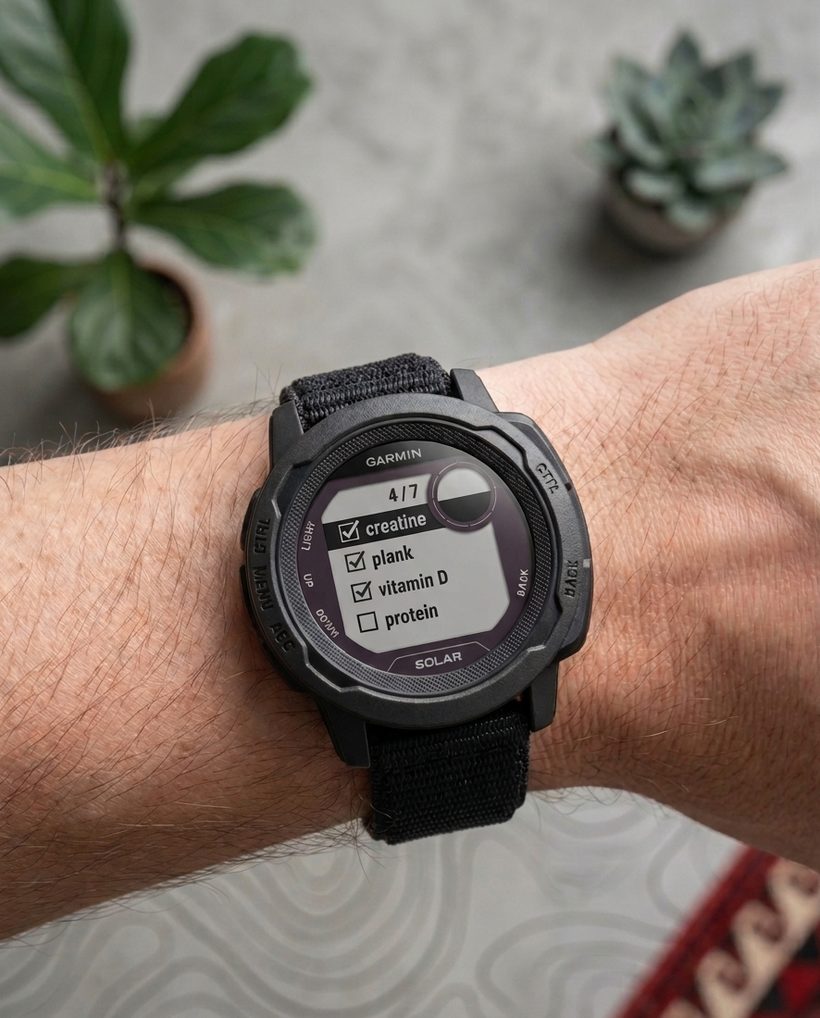
Build daily habits, tick them off from your Garmin.
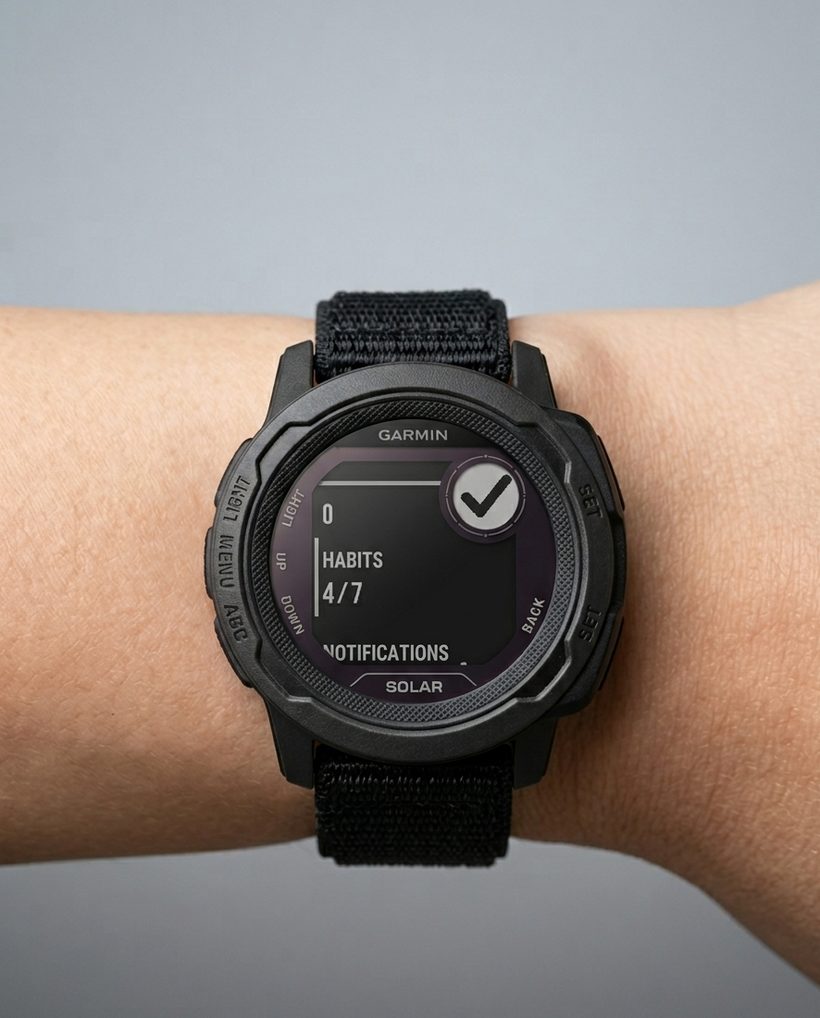
Your habit checklist, right on your wrist. Check habits even offline, sync when connected, and start fresh every day. Free to use on supported Garmin watches.

Your habits, right on your wrist
No more reaching for your phone. Open the Gtick widget and your day's habits are right there — use buttons or tap to tick them off as you go.
New · Version 1.1
More watches. Same simple checklist.
On touchscreen watches, tap a habit to check it off and swipe up or down to scroll. Prefer buttons? They still work. Round screens also get a cleaner, better-fitting layout.
Check the Connect IQ listing for the full device list and the update. Instinct Crossover models are not supported in 1.1.
Add your habits
Create your habit list here on the web in seconds.
Pair your watch
Open the widget, enter the short code, and you're linked.
Tick them off
Check habits from your wrist and watch your streak grow.
Account
Checking sign-in…
Completion history
Your last 14 habit days. Archived habits stay here when they have saved completions.
Habits
Active habits sync to your paired Garmin watch widget.
Day rollover
When a new habit day begins. Set this later than midnight so after-midnight ticks still count toward the previous day.
Pair watch
Open the Gtick widget on your Garmin watch. If it is not paired yet, it shows a short code. Enter it here to link the watch.
Today
Synced ticks from your watch for the current habit day.
—
Known issues
Current limitations we're aware of.
- Glance count updates with a short delay. When you tick a habit, the count shown in the watch glance (the widget preview in the carousel) may not refresh immediately. This is a Garmin Connect IQ limitation on how often glances are allowed to redraw — it is not data loss. Your ticks are saved instantly and sync correctly; the count catches up shortly, and opening the full widget always shows the up-to-date state.
Send feedback
Found a bug or have an idea? Tell us — your message goes straight to our inbox.